Pay via QR / UPI
Scan with any UPI app. If you have a booking reference, type it in the UPI note.
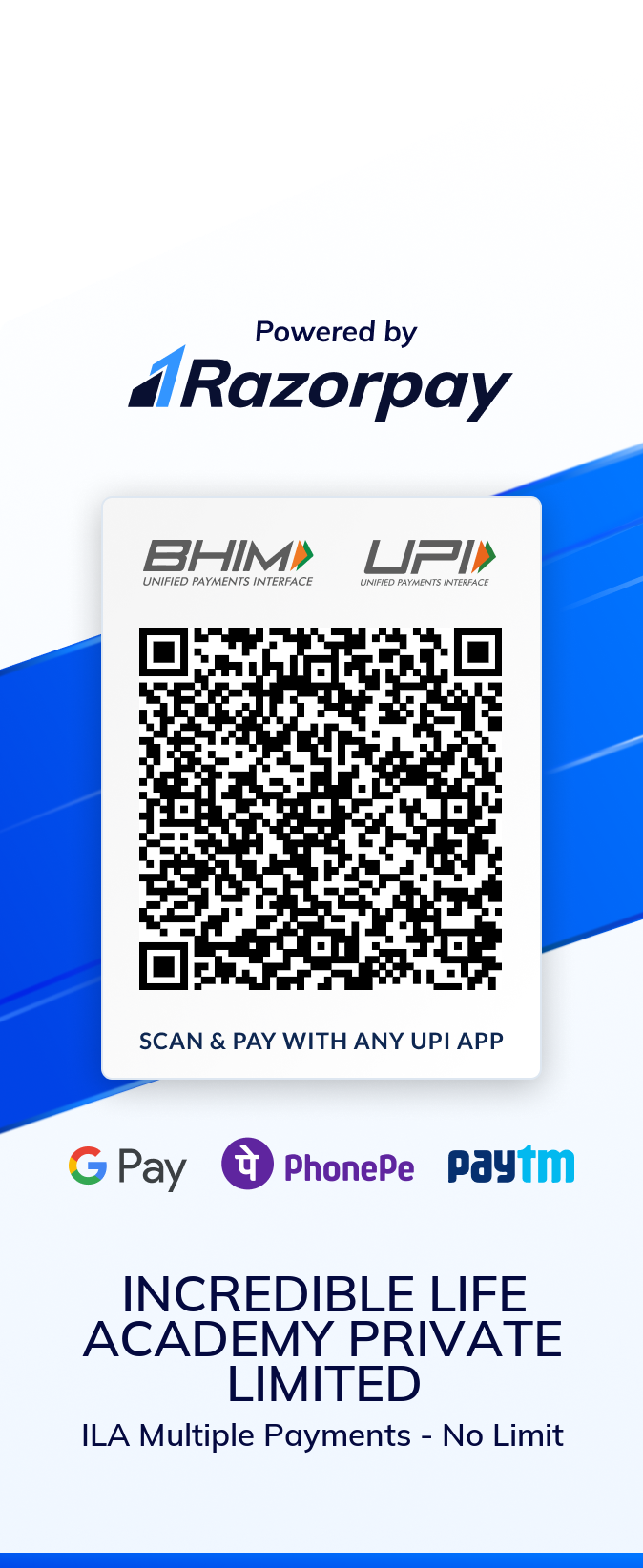
UPI note to paste: ILA-OPEN
Razorpay hosted checkout is temporarily offline. Use UPI / QR now, or the open Razorpay.me link below. Do not pay twice.
Open payment with no amount pre-filled: razorpay.me/@theincrediblelifeacademy1093